29 June 2026 · 6 min read · Updated 5 September 2026
Budgeting Without Linking Your Bank Account
Most budgeting apps ask for your bank login on the very first screen. You don’t have to give it — and for a lot of households, not giving it is exactly what makes the budget stick.
The short version
- You can run a full household budget without ever handing over a bank login: every expense exists because someone in the house entered it, by voice or by typing.
- A bank connection buys convenience and costs visibility — the app can see account names, balances, merchant names and transaction history whether or not your budget needs them.
- Manual capture is a little more work, and that is the mechanism: you notice the spending at the moment it happens rather than a week later in a feed.
- For a shared budget it also removes the awkward part — a partner or a teenager can add spending without anyone getting access to anyone's bank account.
Can you budget without linking your bank account?
Yes. You can track spending manually by voice or text, review categories before they enter the budget, and keep household totals updated without giving a budgeting app access to your bank data.
Why budgeting apps ask for your bank login
Open almost any budgeting app and the first thing it wants is a connection to your bank account. Behind the scenes, an aggregator like Plaid or TrueLayer connects to your bank through open banking or bank-data integrations and sends account and transaction data into the app. It feels effortless: the numbers just appear.
The trade is rarely spelled out. To save you a few seconds of typing, you give a third party ongoing access to everything you buy — and you trust two more companies to keep that data safe.
What a bank connection actually costs you
Convenience is real, but so is the price. For a lot of households it’s the part that quietly makes the budget fall apart.
- Your spending stops being private. An aggregator and the app both see every transaction — where you shop, what you buy, how often. That’s a detailed picture of your life sitting on someone else’s servers, and it is worth reading exactly what an app can see after you link before you agree to it.
- There’s more to break into. A budget that never connects to your bank removes one major attack surface: there is no bank-data connection for the budgeting app to expose.
- Auto-categorising is messier than it looks. “AMZN Mktp” could be nappies or a birthday present. The app guesses, often wrongly, and you end up correcting it anyway.
- It feels done, so no one looks. When the numbers fill themselves in, no one in the household actually notices the spending. Awareness — the whole point — quietly disappears.
Bank-linked vs manual budgeting
Both approaches can keep a budget. They just make very different trade-offs:
| Bank-linked budgeting | Manual budgeting |
|---|---|
| Automatic imports | Voice or text capture |
| More data shared | Less financial data exposed |
| Categories guessed silently | Categories reviewed before saving |
| Built around bank accounts | Better for shared households |
The case for keeping your bank out of it
There’s an older idea hiding here. The households that stay on budget tend to be the ones that notice money as it leaves — not the ones with the cleverest sync. Saying “coffee, four pounds fifty” out loud is a small moment of awareness that an automatic feed never gives you, and it is the same mechanism that makes children understand digital money.
Manual doesn’t have to mean slow. The reason manual budgeting got a bad name is the spreadsheet: a chore you do once and abandon. A good manual budgeting app is a different thing entirely — you log a purchase the moment it happens, by voice, in a single sentence.
How budgeting without linking your bank account works
The loop is short enough to keep up with for real:
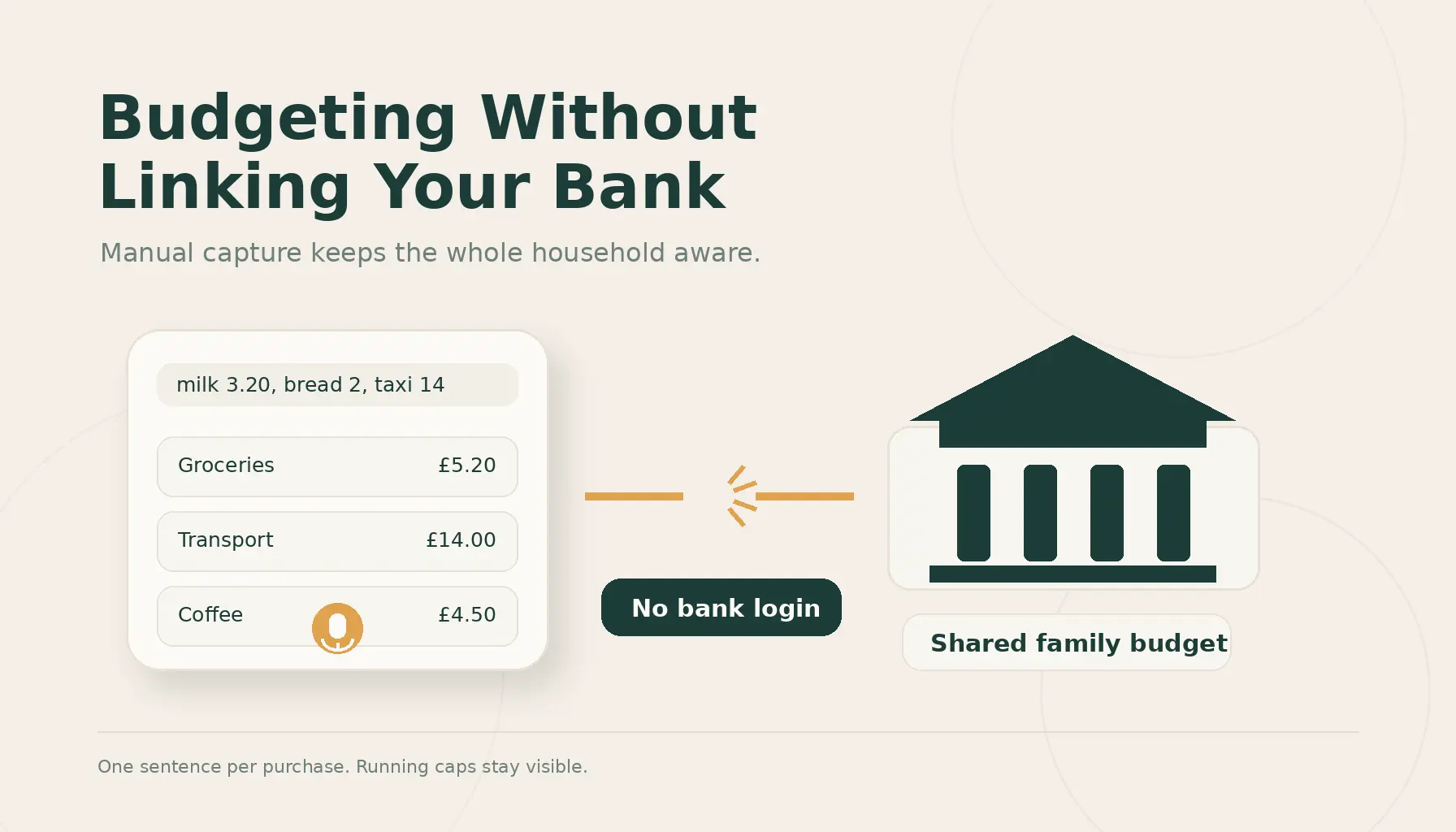
- Say or type what you spent — “milk three twenty, bread two, a taxi home fourteen” — in one sentence, however many items.
- The app splits the line into items and proposes a category for each.
- You glance and confirm. Anything it isn’t sure of is flagged, never guessed silently.
- Your running totals update against the caps you set, so every category stays visible — that’s the idea behind CapKin.
No login, no aggregator, no waiting for transactions to clear. You recorded it at the moment it happened, before it disappears into a transaction feed.
Why this fits families best
A bank connection is built around one account holder. Real households aren’t. When the shared household budget lives outside the bank, anyone can add to the same picture without touching anyone’s banking.
Couples stop having the “did you log that?” conversation — either of you can add a purchase in seconds. And teenagers can record their own spending with capture-only access, so they learn where the money goes while a parent still approves what lands in the budget. That makes it a genuine family budgeting app, not a single-user tool.
Is it more work? Honestly, a little — and that’s the point
A bank feed asks for nothing and gives you nothing to think about. Manual capture asks for one sentence per purchase and, in return, keeps the whole household aware of where it stands. Most people find the sentence is the easy part — and the awareness is what finally makes the budget stick.
Try it without connecting anything
Try CapKin if you want a budgeting app without a bank login. Log spending by voice or text, keep shared household caps visible, and stay in control without bank sync.
Frequently asked questions
- Can I use a budgeting app without linking my bank account?
- Yes. Manual budgeting apps let you enter spending yourself by text, voice, or receipt-style entry.
- Is manual budgeting better than automatic bank sync?
- It depends. Bank sync is convenient, but manual capture can improve awareness because you notice spending when it happens.
- Can families use a budget without sharing bank access?
- Yes. A shared household budget can sit outside the bank, letting partners or teenagers add spending without access to anyone’s bank account.
- Does CapKin connect to my bank?
- No. CapKin is built around manual capture and shared spending caps.